


Business Premium security
Security that comes with Business Premium, turned on properly
Business Premium adds identity, device, email and data protection for up to 300 users. Most businesses own these tools and never switch them on. Elevate configures them on day one and watches them every day after.
Security and governance views
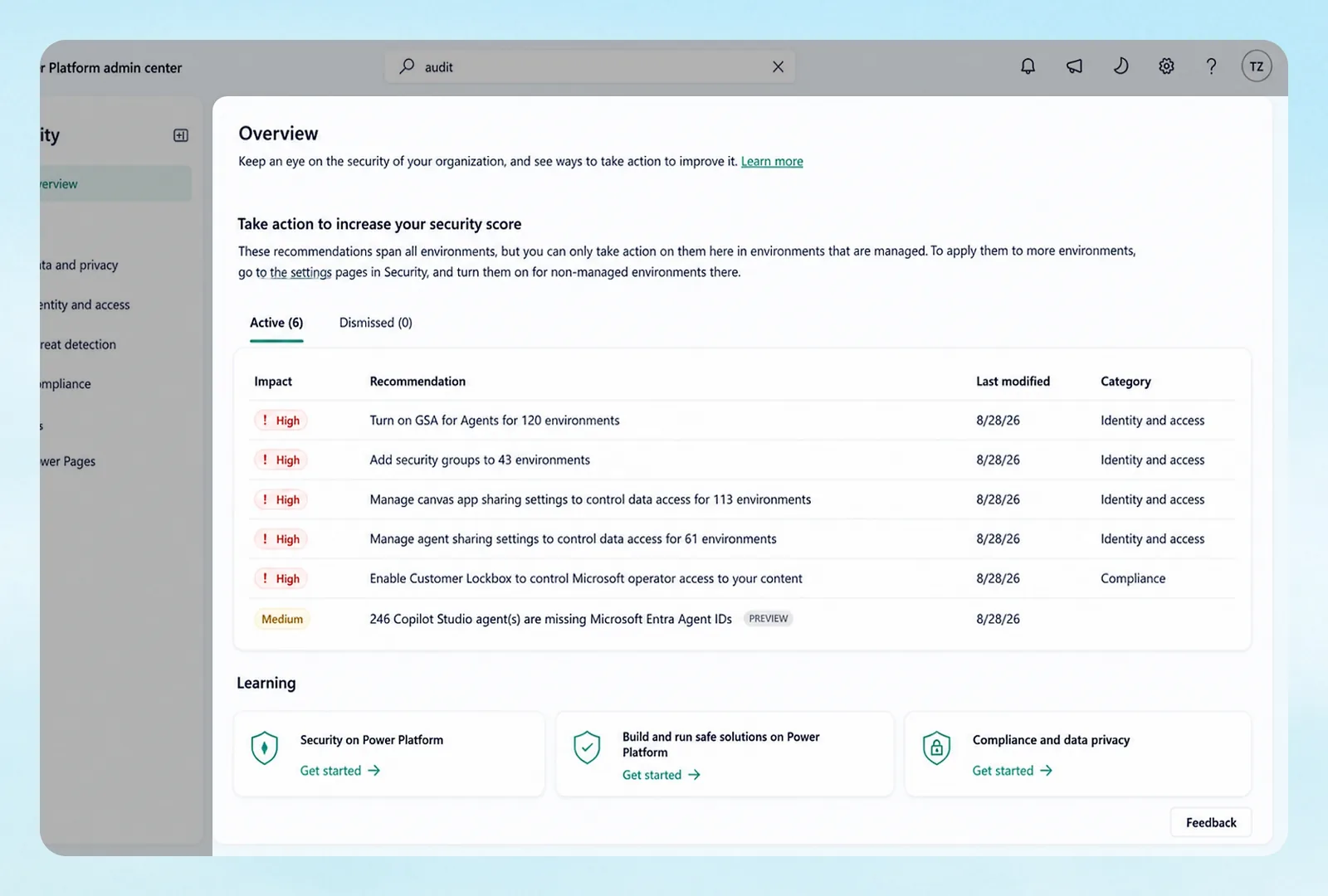
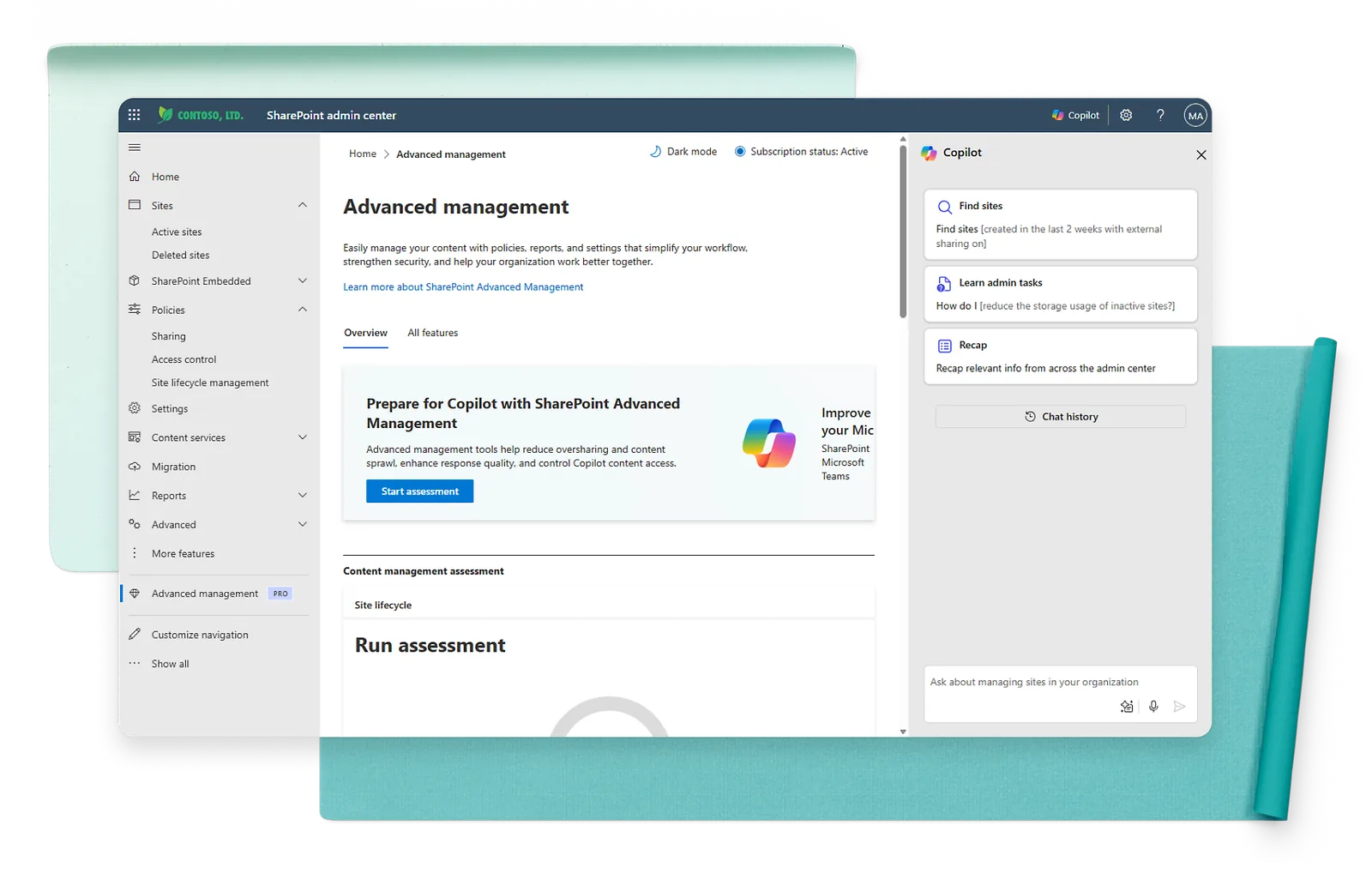
Used with permission from Microsoft.
Protection layers
People, devices, email and data
Identity and access
Entra ID P1 adds policy-based sign-in, multifactor authentication and conditional access for every user.
Passwordless sign-in
Windows Hello offers a personal, secure way to sign in to devices.
Device management
Intune Plan 1 enrolls, configures and protects company devices, and protects work apps on personal phones.
Device protection
Defender for Business provides AI-powered protection from ransomware and malware.
Email protection
Defender for Office 365 Plan 1 helps protect against phishing, malicious links and attachments.
Data protection
Purview Information Protection labels sensitive email and files and keeps them protected.
Our baseline
What Elevate switches on before anyone logs in
MFA for everyone
Enforced by policy, with legacy sign-in methods blocked.
Risky sign-ins stopped
Conditional access rules for location, device health and admin accounts.
Every device enrolled
Encryption, updates, screen lock and remote wipe on company laptops and phones.
Phishing defenses tuned
Safe Links, Safe Attachments and impersonation protection set to strict.
Sensitive data labeled
Labels for confidential client and financial files, with sharing limits.
Alerts watched
Elevate reviews threats and sign-in alerts and acts on them.
Add-on suites
Enterprise security without leaving Business Premium
Microsoft offers three add-ons for Business Premium: the Defender Suite, the Purview Suite, and both together.
Defender Suite
- Entra ID P2 with ID Protection and ID Governance
- Defender for Identity
- Defender for Endpoint Plan 2
- Defender for Office 365 Plan 2
- Defender for Cloud Apps
Purview Suite
- Insider Risk Management and Communication Compliance
- Information Protection, Data Loss Prevention and Message Encryption
- Customer Key
- Data Security Posture Management for AI
- Records and Data Lifecycle Management
- eDiscovery (Premium), Audit (Premium) and Compliance Manager
The combined add-on bundles both suites, and Microsoft says it costs less than buying the products separately. All add-ons together cap at 300 seats.
Sources: Microsoft: security and compliance add-ons for Business Premium
Related
More security from Elevate
Managed detection and response
Around-the-clock monitoring on top of Defender, with a team that responds.
Email security and backup
Extra filtering and Microsoft 365 backup, because Microsoft's retention is not a backup.
Questions
Security questions answered
Do we need Business Premium for security?
It is the business plan that adds Intune, Defender and Entra ID policies. If you handle client, patient or financial data, you need it.
Is Microsoft 365 backed up by Microsoft?
Microsoft keeps the service running and offers retention tools, but a separate backup is what restores deleted or encrypted data. We add one.
When do we need the Defender or Purview Suite?
When you need enterprise detection, insider risk, eDiscovery or audit features, usually for regulated data or legal holds.
Will these controls slow my team down?
Done right, people sign in less often, not more. We roll out in stages and test with a pilot group first.
Own Business Premium but never switched it on?
We will review your tenant and turn on what you already pay for.