



Microsoft Copilot Studio
Agents that know your business and do the work
Copilot Studio is Microsoft's low-code studio for building AI agents and workflows, connecting them to your data and systems, and publishing them where your people and customers already are. Elevate designs, builds and supports them.
A look inside Copilot Studio
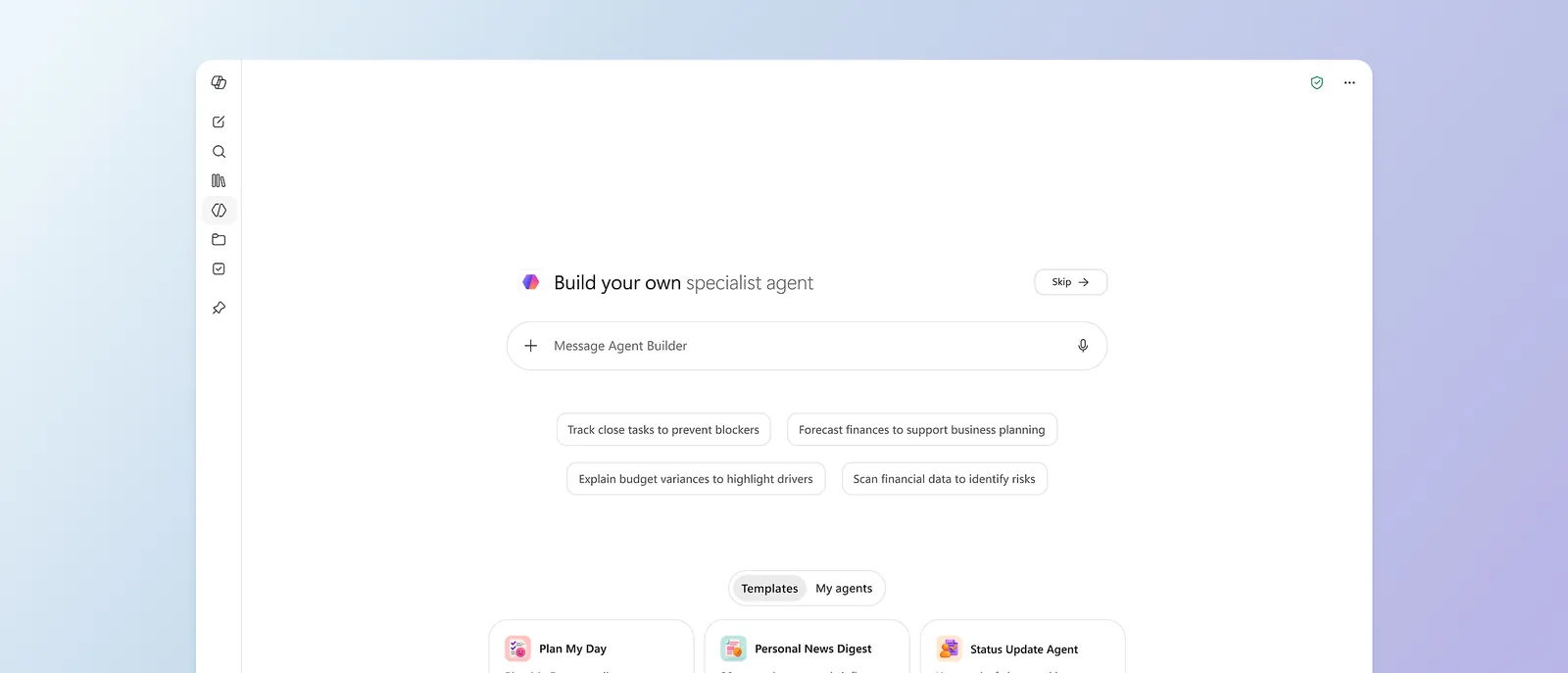
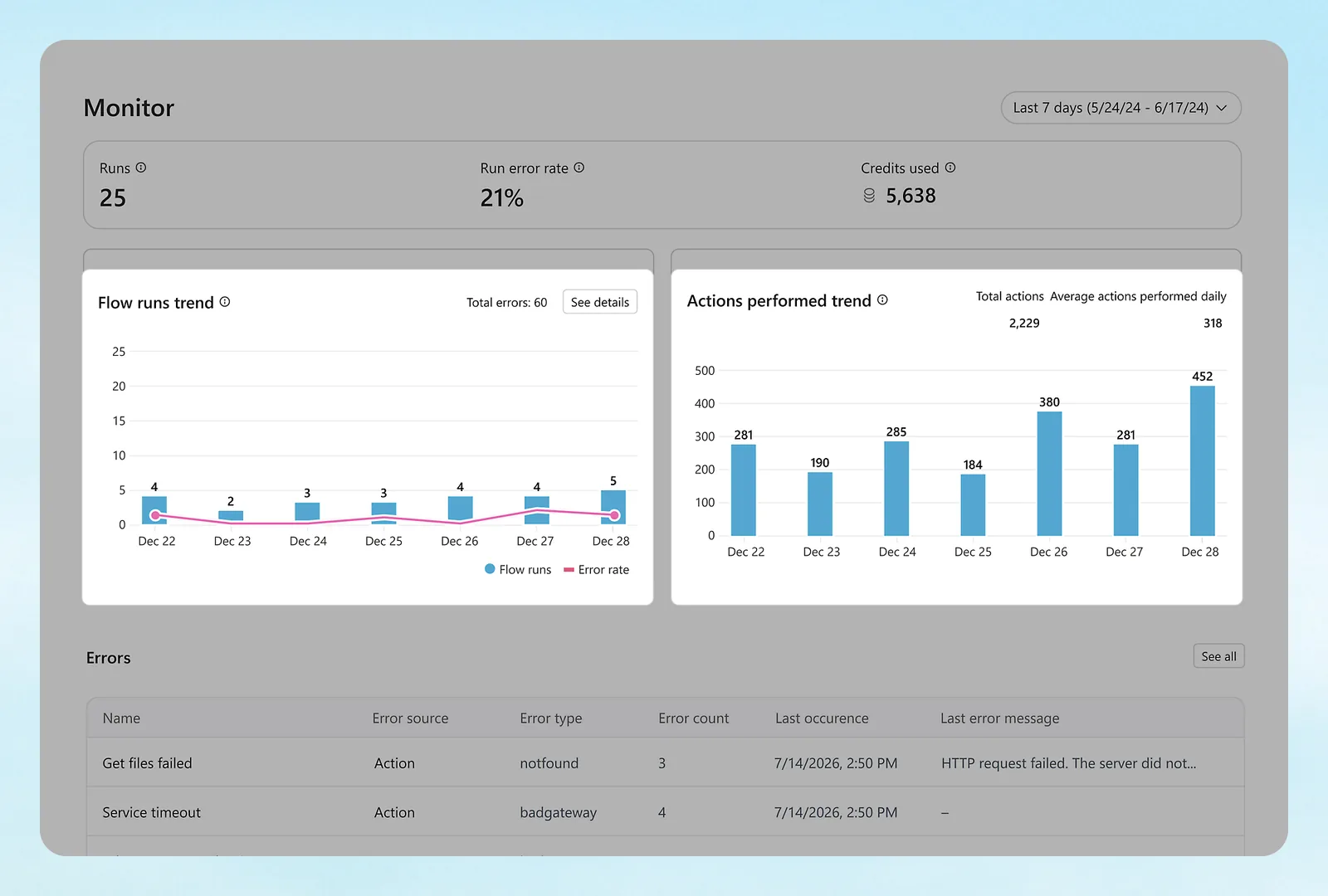
Used with permission from Microsoft.
What agents do
Answer, act and run on their own
Answer from your content
Agents generate answers from the knowledge sources you connect.
Take action
Prebuilt and custom connectors let agents read and update other systems.
Build workflows
A drag-and-drop designer builds the steps behind an agent.
Work on their own
Some agents get their own account and handle shared processes, such as onboarding or recurring meetings.
Serve customers
A customer conversation option handles voice and chat service with escalation to people.
Stay governed
Inventory, security, role-based access and cost management across your agents.
How it works
From idea to a working agent
- DescribeStart by describing the agent in plain language, then refine it.
- ConnectAdd knowledge sources and connectors to your systems.
- TestTry it in the test pane with real questions before anyone else sees it.
- PublishPut it in Teams, Microsoft Copilot, your website or a mobile app.
Agent Builder and Copilot Studio are part of Microsoft 365 Business Premium with Copilot.
Ideas
Agents small businesses use first
HR and policy questions
Answers handbook, benefits and PTO questions in Teams, from your own documents.
New-hire onboarding
Walks new staff through accounts, training and first-week tasks, and checks them off.
Client intake
Collects the details for a new matter, job or patient on your website and creates the record.
IT help desk first line
Resets, how-tos and status questions answered instantly, with a ticket opened when needed.
Proposal and quote drafting
Pulls from past proposals and price sheets to draft the first version.
Order and status lookups
Answers where-is-my-order and job-status questions from your systems.
Governance
Keep agents safe and accountable
Who can build
We decide who can create and publish agents, so nothing reaches customers unreviewed.
What they can reach
Each agent connects only to the data and systems its job needs.
What they cost
Cost management across your agents shows usage, and we set limits.
One inventory
Inventory, security and role-based access across all agents.
Agent 365 at scale
Larger organizations on E7 get Agent 365 included for managing agents.
Reviewed monthly
We review conversations and update knowledge so answers stay right.
How we build
You describe the job. We build and run the agent.
- Pick one jobWe start with a single task that has a clear owner and clear data.
- Gather the knowledgeWe collect the documents and systems the agent needs and fix permissions.
- Build and testWe build, test with your team and set guardrails and escalation.
- Launch and tuneWe publish where people already work and improve it from real conversations.
Questions
Copilot Studio questions answered
Do we need developers?
No. Copilot Studio is low-code. Elevate builds and maintains the agents for you.
Where can agents run?
In Teams, Microsoft Copilot, your website or a mobile app.
Can an agent talk to customers?
Yes. Copilot Studio has a customer conversation option for voice and chat service, with escalation to people.
Is it included in our licenses?
Agent Builder and Copilot Studio come with Business Premium with Copilot. Heavier agent use can add cost, which we track.
Have a task an agent should handle?
Tell us the job and we will scope the agent.